
Your next customer should not have to guess.
We make websites easier to understand, use and maintain. Send us the page that is not doing its job. We will reply in writing with what to investigate first.

Make the offer recognisable
Imagine a bicycle workshop. A visitor needs to know which repairs it takes, where it is and how to arrange a visit. Compare these two introductions.
The visitor has to guess
“Quality solutions. Personal service.”
This could describe a repair shop, an accountant or a software company. The visitor still has to work out whether you can help.
The visitor can decide
“Bicycle repairs in Bristol.”
“Punctures, brakes and servicing. Bring your bike to our Bristol workshop. Email a photo and tell us what is wrong.” Now the visitor has a service, a place and a next step.
Try this with your own page. Ask someone outside the business what you offer, who it suits and what to do next. Write down their answer before you explain yours.
First, make sure the enquiry can arrive
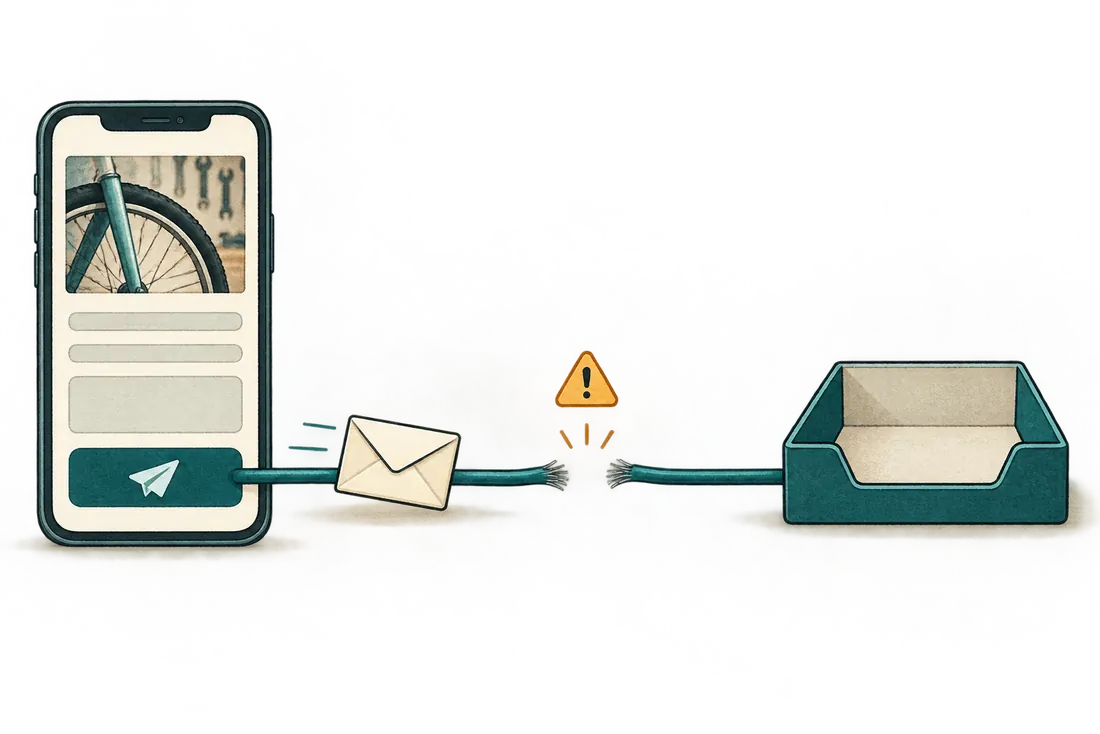
A contact form can show a confirmation while the message never reaches the person who should answer it. A successful click is only one part of the journey.
On your own site, arrange a clearly labelled test with the person who receives enquiries. Submit it on a phone and confirm that it reaches the right inbox. For an email button, check the recipient and that it opens an email message.
Fix a failed contact route before polishing the headline. If the route works, examine the offer, the evidence and the visitors reaching the page. An empty inbox alone does not tell you which part is wrong.
Choose the work that matches the problem
A new website is one possible answer. A clearer paragraph, a repaired form or a better route to the right page may be the change you actually need.
People cannot tell what you offer
Clarify the service, show relevant work and explain the next step. Keep useful content and improve the part that leaves the reader guessing. See our website design service.
People cannot find the right page
Start with the customer and the page they need. Check search visibility and the route through your site before commissioning more articles. See how we approach SEO.
People cannot complete a task
Find the failed step, make a specific repair and repeat the task on a phone and a computer. Explore WordPress repair or image optimisation.
See what we build
Our WordPress plugins address concrete editing and maintenance tasks. Frontend Text Edit helps editors correct supported text on the page. URL Change Lockdown helps control address changes. Their pages explain what each plugin does, its limits and how to get started.
Find the first thing worth fixing
Email your page address, who should use it and what should happen. Add what goes wrong and what you have already tried. We will reply in writing with the first check or change we recommend.